
Your domain is checked firstWe check the domain before you continue, helping confirm that the transfer can proceed.
Domain transfer
Move your domain
to PalmHost
Bring your existing domain to PalmHost and manage it alongside your website, hosting and business email.
You stay in controlThe transfer follows the approval process required by your current registrar.
Your website stays in mindKeep your current DNS details available so you can check your website and email settings afterwards.
Your contact details matterMake sure the domain’s current registrant email address can receive transfer communication.
How the transfer works
A domain transfer passes through a few clear stages before it is completed at PalmHost.
Step 01
Submit your transfer
Enter the domain you want to transfer and continue with the transfer order.
Step 02
Approve the request
Follow the approval instructions sent through the domain’s current registrar.
Step 03
The registry processes it
The transfer moves through the relevant registrar and registry systems.
Step 04
PalmHost confirms completion
Once the transfer is completed, we confirm that the domain has arrived at PalmHost.
Different domain extensions
Some domains followa different process.
The transfer steps depend on the domain extension. Here is what to expect when moving a South African .co.za domain or another extension that uses an authorisation code.
.co.za
The registry sends an approval request
When a .co.za transfer is initiated, the registry sends a transfer voting email to the relevant domain contact. Follow the instructions in that email to approve the transfer.
.co.za uses a registry approval process rather than an EPP authorisation code.
Other extensions
You may need an authorisation code
Some domain extensions use an EPP or authorisation code to confirm that you are allowed to move the domain. Your current registrar can provide the code when it is required.
If your extension requires a code, keep it available when you start the transfer.
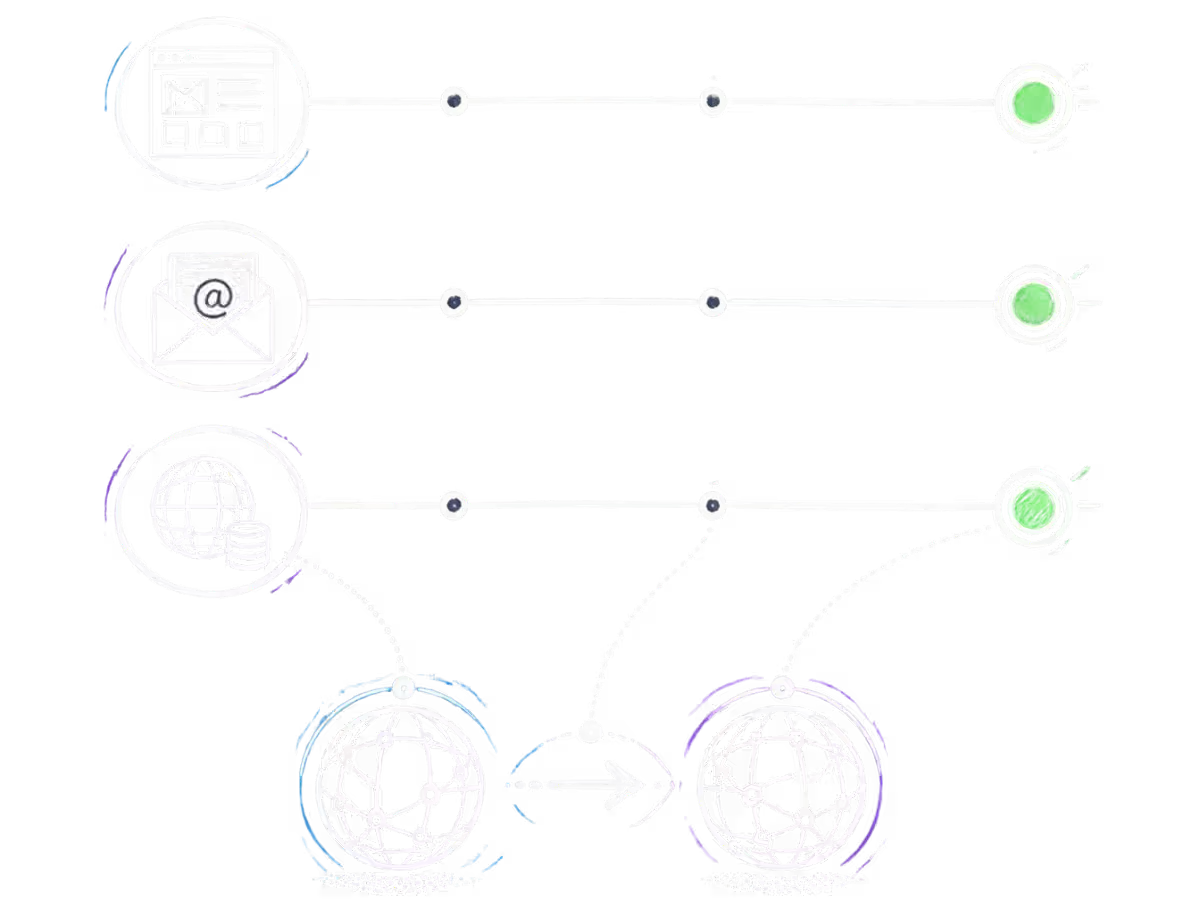
Keeping things connected
Your domain moves.Your website and emailstay in focus.
A domain transfer changes the registrar handling your domain. Your website and email are separate services, so it is important to keep your existing DNS details available and check them after the transfer.
Keep your DNS details
Have your current nameserver or DNS records available before starting the transfer.
Check your website and email
After the transfer is completed, check that your website and email continue using the expected DNS settings.
The registrar change is complete
Once the transfer finishes, PalmHost becomes the registrar handling the transferred domain.
What actually changes
A domain transfer is not the same as changing hosting.
Your domain registration, DNS, website hosting and business email are separate parts of your setup. They can be changed independently.
Select an example
The registrar handling your domain changes. Your website and email can continue with their existing providers, while your DNS setup may need to be checked.
Your website moves to a different hosting service. Your domain registration and email can remain where they are, while your DNS settings may need updating for the new hosting environment.
01
Domain registration
The registrar responsible for the domain.
02
DNS
The records that direct visitors and services to the right destination.
03
Web hosting
The server environment where your website files and database are hosted.
04
Business email
Your mailboxes and email service can remain with their existing provider.
Once the transfer is complete
Your domain is nowready for what comes next.
After the transfer, you can manage the domain through PalmHost and decide which services you want to connect to it.
01
Manage your domain
Once the transfer is complete, your domain is managed through PalmHost. Keep your registration details and DNS settings available when you need to make changes.
02
Keep renewals on track
Your domain still needs to be renewed when its registration period ends. Keep an eye on the renewal date so you have time to make any changes if needed.
03
Connect PalmHost services
Your domain can be connected to PalmHost hosting, Business Email or other services when you are ready. These services can be set up separately from the transfer itself.

Transfer knowledge
Need a little moreguidance?
Explore practical guidance on domain registration, transfers, DNS and how domains, hosting and email fit together.

Transfer FAQ
Still have a questionabout the transfer?
Here are answers to some of the practical questions we hear about transferring a domain to PalmHost.
How long does a domain transfer take?
The time depends on the domain extension and the approval process used by the current registrar. A .co.za transfer requires the relevant transfer voting email to be approved before the transfer can complete.
Does it cost anything to transfer my domain?
The cost depends on the domain extension and the transfer product. When a transfer includes a renewal period, the applicable registration or renewal charge will be shown before you complete the order.
What happens if my domain is close to expiry?
Check the domain expiry date before starting a transfer. If the domain is close to expiry, allow enough time for the transfer and any required approval process. Your current registrar may also have restrictions around transfers close to expiry.
How do I approve the transfer?
The approval process depends on the domain extension. For .co.za domains, the relevant domain contact receives a transfer voting email. Follow the instructions in that message to approve the transfer.
Will my nameservers change when I transfer my domain?
A registrar transfer does not automatically mean that your website or email must move. Your existing DNS or nameserver setup can remain in place, but you should keep the current details available and check them after the transfer is completed.
Will my website or email go offline during the transfer?
A domain transfer and a hosting or email migration are separate changes. Keeping your existing DNS setup in place helps separate the registrar change from your website and email services. Always check the DNS settings after the transfer is completed.
What happens if my transfer is rejected?
A transfer can be rejected if the required approval is not completed or if the domain does not meet the requirements of the relevant transfer process. Check the reason provided and resolve the issue with the current registrar before trying again.
Ready to transfer?
Bring your domain to PalmHost.
Start with our domain transfer checker and we will guide you through the next step. Your domain can move independently of your website and email.