What moving WordPress actually involves
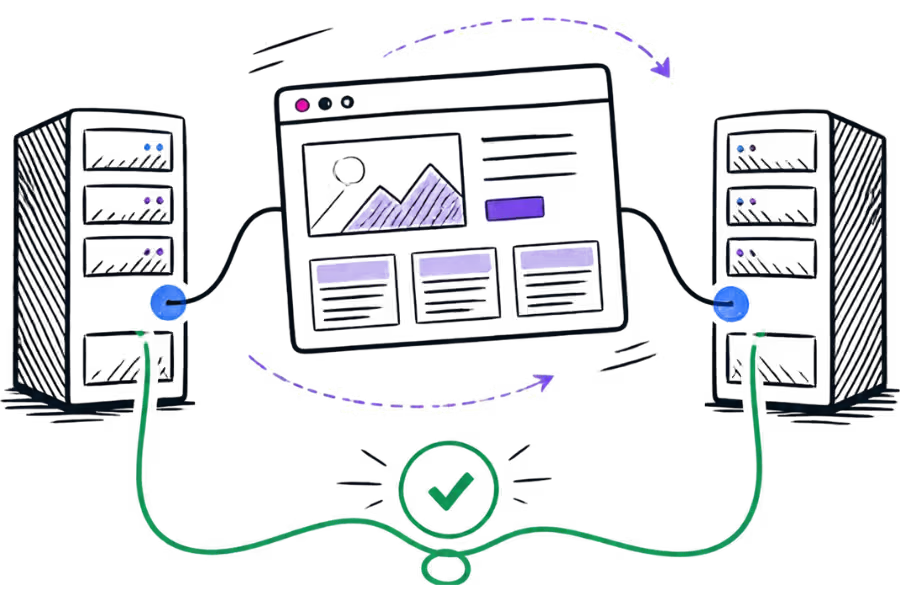
A WordPress website is more than a collection of pages that can simply be copied from one server to another. A typical installation includes the WordPress files, a database, uploaded media, themes, plugins and configuration files. The hosting environment also needs to support the software that the website uses.
WordPress's own documentation describes a move to another server as a process that involves backing up the WordPress directory and database, then moving those components to the new environment. If the domain and URLs remain the same, the move can usually be handled without changing the site's public addresses.
The important distinction is between moving the websiteand changing where the domain points. The first can be prepared while the existing website remains online. The second is the point at which visitors gradually start reaching the new server.
"Without downtime" should be treated as a migration goal, not a guarantee. DNS caching, application problems, incorrect configuration, database changes and third-party services can all affect the final result.
Why the new site should be prepared before DNS changes
One of the biggest mistakes during a hosting migration is changing the domain's DNS records before the new website is ready.
A safer approach is to build the new copy first. The new hosting account can be created, WordPress can be transferred and the site can be tested before the public DNS record is changed.
This means the existing hosting account continues serving visitors while the new environment is being prepared. WordPress's migration guidance also recommends moving the files and database and testing the new installation before making the final change when appropriate.
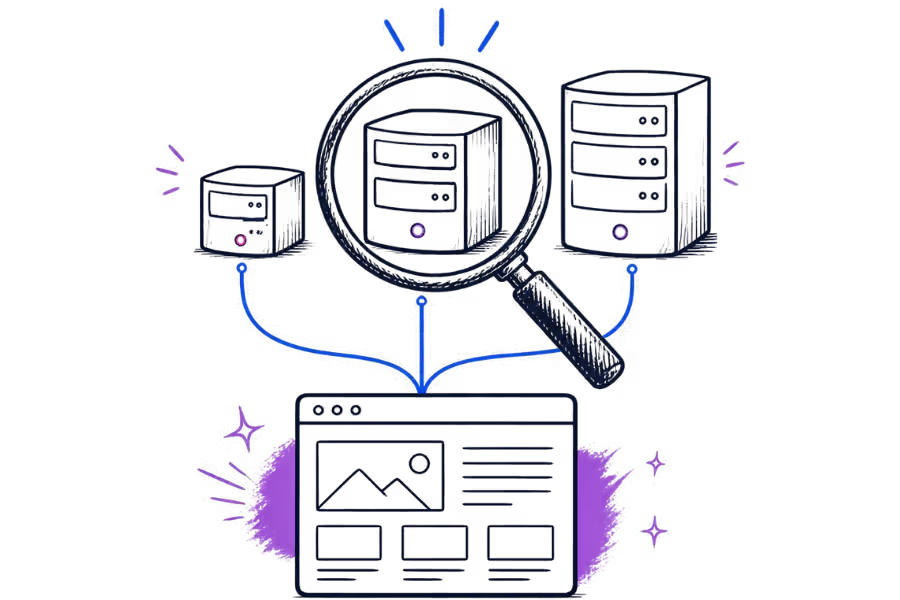
The exact testing method depends on the hosting environment. A host may provide a temporary URL, staging address or another way of accessing the new installation before the real domain is pointed at it.
If the domain name and WordPress URLs are staying the same, avoid changing the live site's URLs just to make the migration work. WordPress specifically distinguishes between the site's public address and the location of its WordPress installation, and incorrect URL changes can make a migrated site difficult to access.
Back up the existing website first
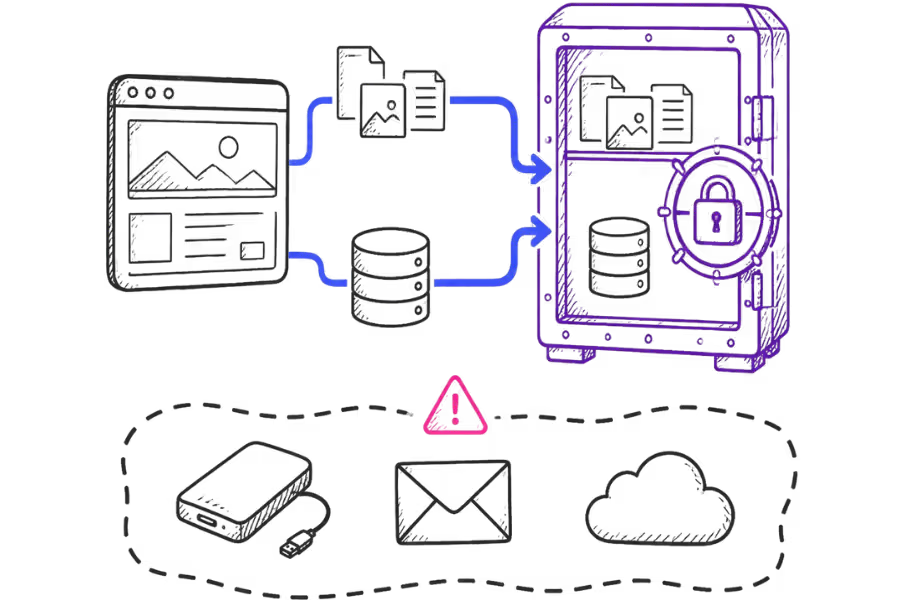
Before touching the live site, create a current backup of the website and database.
This gives you a recovery point if something goes wrong during the transfer. It is particularly important for websites that receive regular form submissions, orders, bookings, comments or other database changes.
At a minimum, the migration backup should account for:
- WordPress core files.
- The
wp-content/directory and its uploads. - The active theme and installed plugins.
- The WordPress database.
- The
wp-config.phpconfiguration where applicable. - Any additional files used by the website.
Do not assume that a hosting account backup automatically covers everything you may need. Check what the backup contains and whether it can actually be restored.
It is also sensible to keep the existing hosting account available until the new website has been tested and the migration has been confirmed.
Build and test the new site
Once the new hosting account is ready, transfer the WordPress files and database and configure the new environment.
The new server needs to meet the requirements of the website. This can include the appropriate PHP version, database support, required PHP extensions, file permissions and any server-level settings used by the site.
If the website uses caching, security software, payment gateways, booking systems or external APIs, these should also be tested on the new environment. A website that loads its home page correctly is not necessarily a fully tested migration.
Check the important parts of the website
- Open the main pages and important landing pages.
- Test navigation and internal links.
- Check images, downloads and embedded content.
- Test contact and enquiry forms.
- Test login and administrator access.
- Check plugins and theme functionality.
- Test WooCommerce checkout if the site sells online.
- Check booking or appointment functionality if applicable.
- Check SSL and HTTPS behaviour.
- Review the WordPress database connection and site settings.
If the domain is being changed as part of the migration, the process becomes more involved. URLs may need to be updated and redirects may be required. A simple host-to-host move where the domain remains the same is a different scenario from moving to a new domain.
Plan the final switch
The final switch should be treated as a separate, short stage of the migration rather than something that happens while the new site is still being built.
Before the switch, identify anything that could change on the live website. For example, an online shop could receive a new order while the migration is taking place. A business website could receive a contact form submission. A blog could receive a new comment.
If the database continues changing after the copy has been made, those changes need to be accounted for. Depending on the website, this may mean scheduling a short content freeze, performing a final database synchronisation or using a migration method that can keep the two environments aligned until the final switch.
The right approach depends on the site. A simple brochure website with little database activity is easier to switch than a busy online shop that is processing orders throughout the day.
The more frequently a website's database changes, the more important the final synchronisation becomes. For a busy store or booking website, the migration plan should account for those live transactions rather than treating the site as a static collection of files.
Change DNS and monitor the site
Once the new website has been tested, the domain can be pointed to the new hosting environment. This is normally done by changing the relevant DNS record or nameserver configuration, depending on how the domain's DNS is managed.
DNS tells the internet where a domain's services can be found. When the website's DNS record changes, different users may continue receiving the previous DNS answer until their resolver's cached information expires. The exact behaviour depends on the DNS records, TTL values and resolver caches.
This is why it is not useful to think of DNS propagation as a single switch that changes everywhere at exactly the same moment.
If you control the DNS and know a migration is planned, reducing the relevant record's TTL ahead of time can reduce how long older cached answers remain in circulation. It does not, however, guarantee that every user will immediately receive the new address.
After changing DNS, monitor both the old and new environments. Check the website from more than one network if possible and watch for errors, missing images, failed forms, login problems or application errors.
Do not immediately delete the old hosting account. Keep it available for an appropriate period while you confirm that the new site is receiving normal traffic and functioning correctly.
Do not forget email and other services
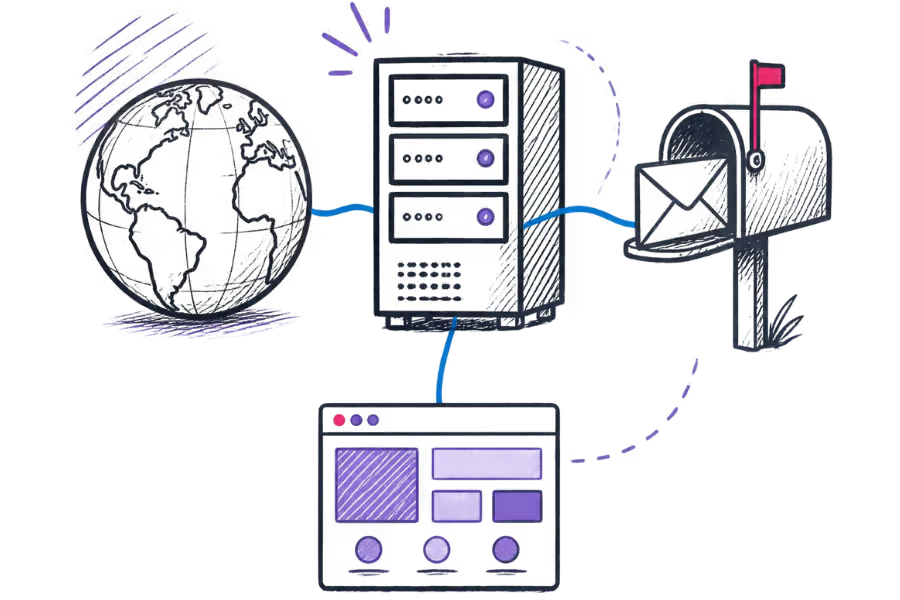
A website migration can involve more than the website itself. Before changing DNS, make a list of the services connected to the domain.
These may include:
- Business email.
- MX records.
- SPF, DKIM and DMARC records.
- Subdomains.
- Third-party email or SMTP services.
- Payment gateways.
- Booking or scheduling services.
- External APIs and integrations.
- CDN or security services.
If the website and email use the same domain, changing DNS without checking the existing records can affect services that were never part of the website migration.
DNS records control access to resources such as websites and email services. The same principle applies when DNS is managed somewhere else: document the existing records first and make sure the new DNS configuration contains the records required by the services that must continue working.
When a migration can still cause downtime
Careful preparation can reduce the risk of downtime, but there are situations where some interruption is possible.
The new server is not configured correctly
A missing PHP extension, incorrect database credentials, incompatible software version, file permission problem or server configuration issue can prevent WordPress from working after the switch.
The site changes during the migration
If new orders, bookings, form submissions or other database changes occur after the database has been copied, the new site may not contain the latest information unless those changes are synchronised.
DNS records are changed incorrectly
An incorrect A record, missing CNAME, MX record or other DNS entry can affect the website or another service connected to the domain.
The migration involves more than the hosting server
Moving the website to a new host is different from changing the domain, email provider, DNS provider or other connected services at the same time. Combining several changes increases the number of things that need to be tested.
For this reason, a migration plan should identify exactly what is changing and keep unrelated changes to a minimum.
A practical WordPress migration checklist
- Confirm what is being moved and what is staying where it is.
- Create a current backup of the website and database.
- Prepare the new hosting account.
- Transfer the WordPress files and database.
- Check the PHP, database and server requirements.
- Test the new website before changing DNS.
- Check forms, logins, plugins and important functionality.
- Check WooCommerce, bookings or other live transactions where applicable.
- Record the existing DNS and email-related records.
- Plan how database changes made during the final stage will be handled.
- Change the relevant DNS records when the new site is ready.
- Monitor the new site after the DNS change.
- Keep the old hosting environment available until the migration is confirmed.
The main principle is simple: move first, test second, switch last. The more of the migration that can be completed while the existing website is still serving visitors, the smaller the final changeover needs to be.
There is no single migration method that suits every WordPress site. A small brochure website, a busy WooCommerce store and a site with several external integrations all need different levels of preparation.
A careful migration therefore starts with understanding the website, its database activity, its DNS configuration and the services attached to its domain. The aim is not to promise that downtime is impossible, but to make the final changeover as controlled and predictable as reasonably possible.