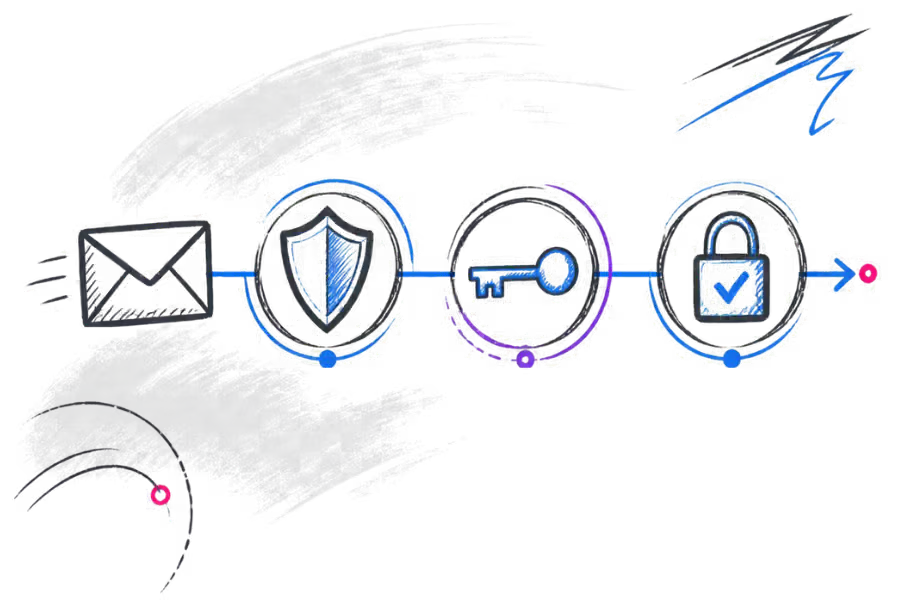
When you send an email from a business domain, the visible From address is only part of the information that receiving mail systems can inspect. Modern email authentication gives those systems ways to check whether a message is authorised to use your domain and whether the message has been altered in transit.
SPF, DKIM and DMARC are often mentioned together, but they do different jobs. Understanding the difference makes DNS configuration much easier to troubleshoot and helps explain why authentication is useful without treating it as a guarantee that every message will reach the inbox.
Why email authentication matters
Email was designed to move messages between independent systems, so a receiving server cannot simply assume that every message claiming to come from a particular domain was genuinely authorised by that domain's owner.
Authentication records provide additional information that receiving systems can use when evaluating a message. They are especially important for businesses that send email from their own domain, because the domain becomes part of the organisation's identity.
Authentication is also relevant when more than one system sends mail on behalf of a domain. For example, a business might use its normal mailbox service for staff email and a separate platform for newsletters, invoices or website notifications. Those sending systems need to be considered when the domain's authentication is configured.
What SPF does
SPF stands for Sender Policy Framework. An SPF record is published in the DNS for your domain and identifies systems that are authorised to send email for that domain under SPF's rules.
When a receiving mail system gets a message, it can look up the sender domain's SPF policy and compare the sending system with the published policy. The result becomes one of the pieces of information available when the message is evaluated.
SPF is useful because it gives a domain owner a defined way to state which sending services are expected to send mail for the domain. However, it only works properly when the record reflects the systems that actually send mail.
What DKIM does
DKIM stands for DomainKeys Identified Mail. Instead of publishing a list of sending servers in the same way as SPF, DKIM uses a cryptographic signature attached to outgoing messages.
The sending system signs selected parts of the message using a private key. A corresponding public key is published in DNS. A receiving system can use that public key to check the signature and determine whether the signed content can be verified against the sending domain.
This gives the receiving system a different kind of evidence from SPF. DKIM is associated with the message itself rather than only the network connection used to deliver it.
Forwarding and other changes in the delivery path can affect email authentication in different ways. A valid DKIM signature can remain useful when a message is passed between systems, but changes to signed content can cause verification to fail.
What DMARC does
DMARC stands for Domain-based Message Authentication, Reporting and Conformance. It builds on SPF and DKIM by allowing a domain owner to publish a policy describing how messages should be evaluated when authentication and domain alignment requirements are not met.
DMARC also supports reporting. Depending on the policy and reporting configuration, domain owners can receive information that helps them understand how their domain is being used for email and identify sending systems that may need attention.
One important concept in DMARC is alignment. It is not enough to look only at whether an SPF or DKIM check technically passed. The authenticated domain also needs to relate appropriately to the domain visible to the recipient for DMARC alignment to be satisfied.
DMARC policies should therefore be introduced with an understanding of the legitimate systems that send mail for the domain. A business should know which services are sending mail before changing its policy.
How SPF, DKIM and DMARC work together
The easiest way to understand the three records is to give each one a separate job:
- SPF: identifies authorised sending systems under the SPF policy.
- DKIM: uses a digital signature to provide evidence associated with the message and sending domain.
- DMARC: applies a policy and alignment framework around SPF and DKIM results and can provide reporting.
Used together, they give receiving systems more information than any one mechanism provides on its own. They also give the domain owner a clearer framework for understanding legitimate sending services and authentication failures.
This is why the three records are normally discussed as a group, even though they are not interchangeable.
What authentication cannot guarantee
Correct SPF, DKIM and DMARC records are an important part of a properly configured business email domain, but they do not guarantee inbox delivery.
Receiving providers can use many other signals when deciding what to do with a message. These can include the sender's reputation, recipient-specific rules, message characteristics, previous interactions and the receiving provider's own filtering systems.
Authentication also does not make a compromised mailbox safe. If an authorised mailbox account is taken over, messages can still be sent through a legitimate service. Authentication helps establish aspects of domain authorisation; it is not a replacement for account security, sensible passwords and appropriate access controls.
Common configuration problems
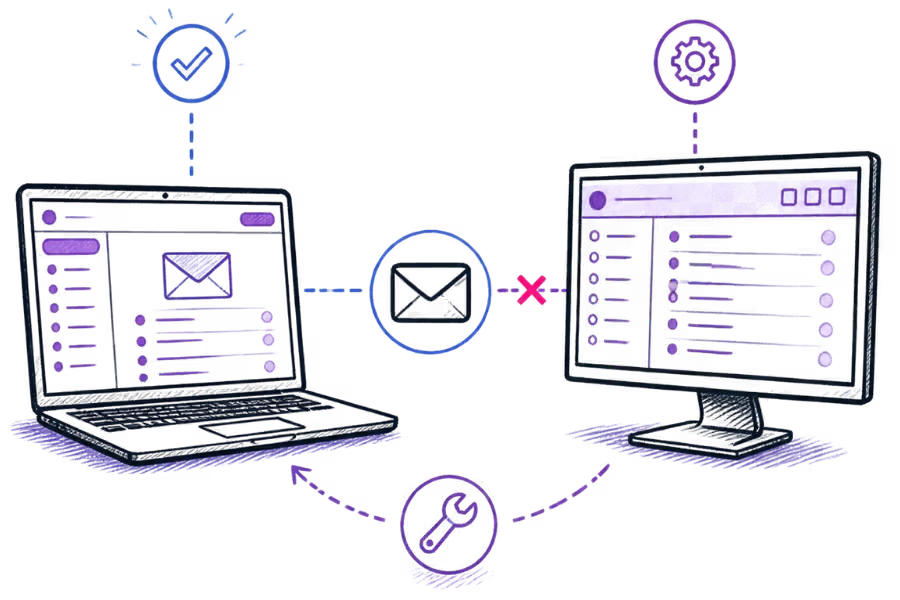
Many email authentication problems come from a mismatch between the records in DNS and the systems that actually send messages.
Adding a new sending service without updating SPF
If a business starts using another service to send messages from its domain, the SPF policy may need to account for that service. Check the provider's documentation rather than copying an unrelated SPF value.
Publishing incorrect DKIM information
DKIM depends on the public key published in DNS matching the signing configuration used by the sending service. If the record is missing, incomplete or points to the wrong key, verification can fail.
Changing DMARC without checking legitimate senders
A stricter DMARC policy can affect legitimate messages if a business has not identified all of its sending systems. Review the domain's normal sending paths before making significant policy changes.
Using stale DNS information
DNS changes do not necessarily become visible to every system at the same moment. When troubleshooting a recent change, allow for DNS caching and verify the records being returned by authoritative and external DNS resolvers.
When you need to check your records
You do not need to inspect your authentication records every day. They are worth checking when something changes or when there is a reason to investigate email behaviour.
- When moving email to a different provider.
- When adding a new service that sends mail for your domain.
- When changing DNS management.
- When setting up a new website that sends notifications.
- When investigating authentication failures.
- When reviewing DMARC reports.
- When an existing authentication record has been changed.
If you are setting up a new business mailbox, work through the widerBusiness Email Setup Checklistas well. Authentication is one part of the overall email setup.
The simple version
SPF, DKIM and DMARC are easier to understand when you stop treating them as three versions of the same thing.
- SPF asks: Is this sending system authorised by the domain's SPF policy?
- DKIM asks: Can the message signature be verified against the published public key?
- DMARC asks: Does the message meet the domain's authentication and alignment requirements, and what policy should apply when it does not?
The practical goal is not to add DNS records simply because they are recommended. The records should describe the real systems your business uses to send email and should be reviewed when those systems change.
If you are still setting up business email, you canview PalmHost Business Emailfor the mailbox service and setup information.